Step 1
Use this link to go to the signup form.
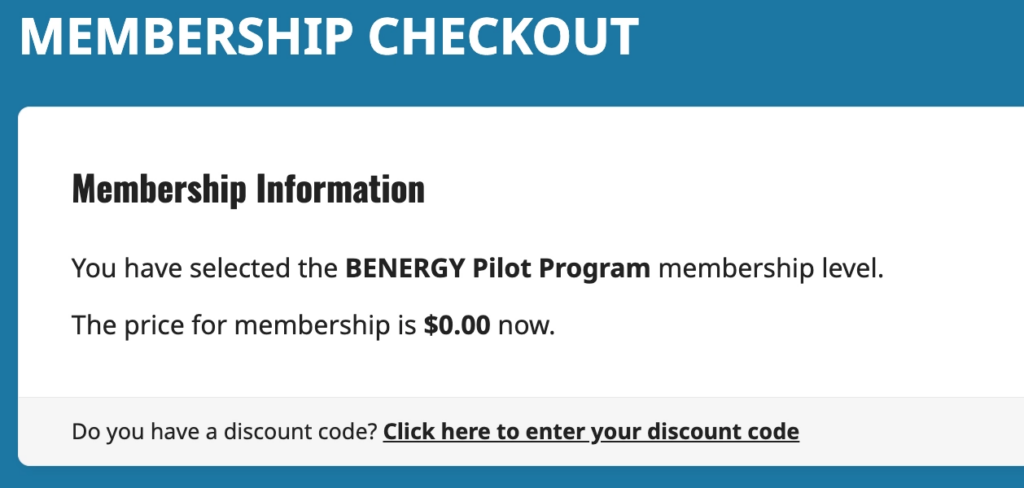
You’ll see “BENERGY Pilot Program” on the Membership Checkout page. Price is $0.00.
Step 2
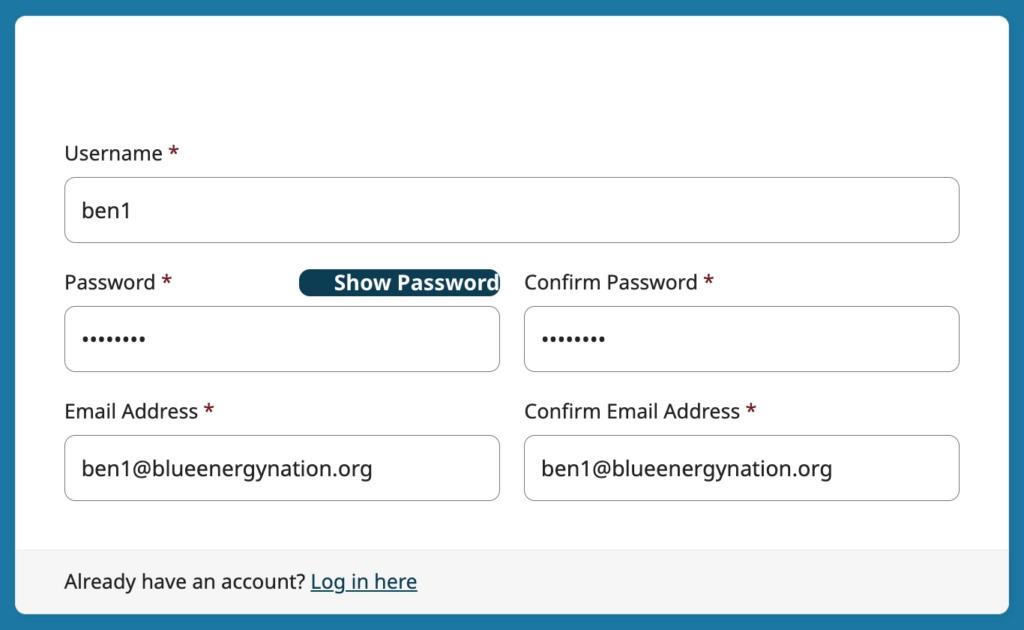
On the Membership Checkout page:
- Choose a username and password.
- Enter the email address you want to user for the BENERGY course.
Step 3
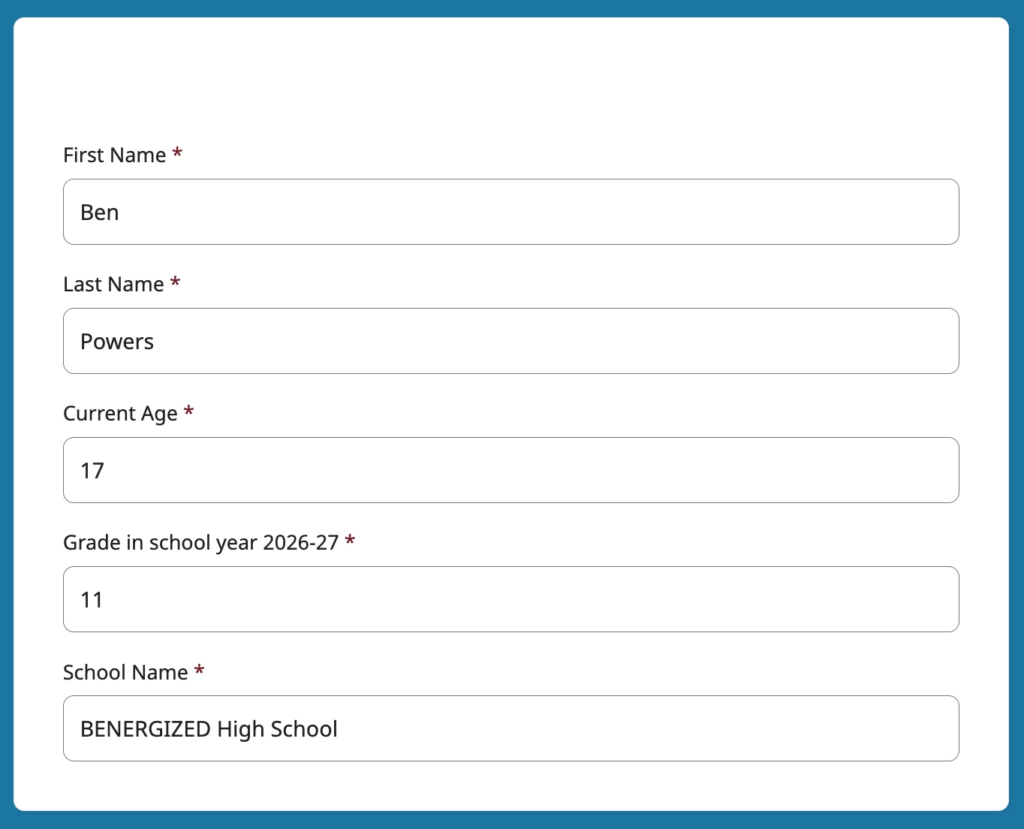
Continuing on the Membership Checkout page:
- Fill out the rest of the form (name, age, grade, school)
Step 4
- Click or tap “Submit and Confirm”
- You’ll see the Membership Confirmation page.


Step 5
- Now that you’re signed up, you’re also logged in.
- Look for your name to the right of the main navigation menu.
- Look for “Pilot Notebook” on the main navigation menu (on mobile this will be in the hamburger menu).
- Select Pilot Notebook and you’ll be ready to complete and submit your assignments.


Step 6
- Keep the Notebook open in a separate tab.
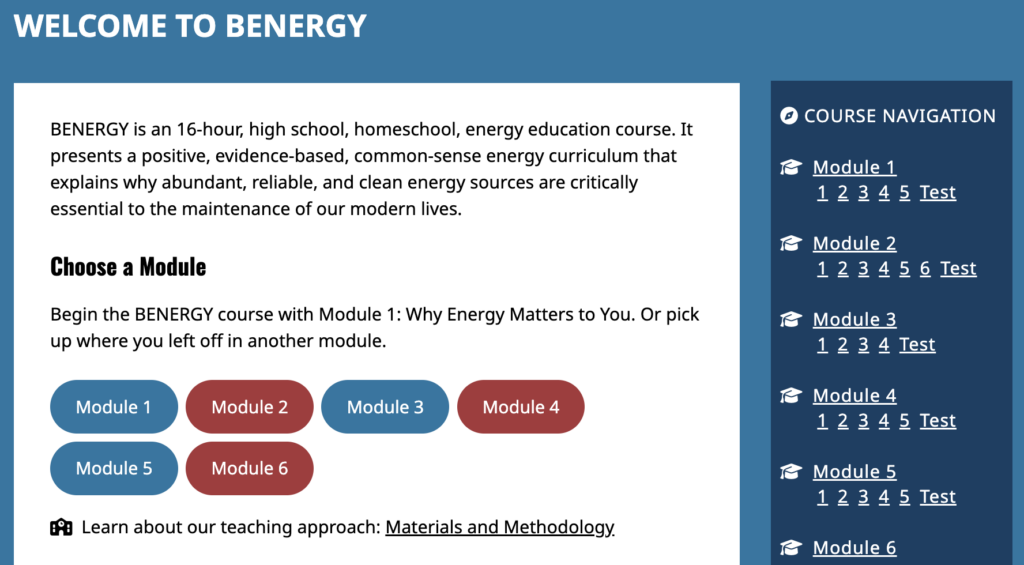
- Select “BENERGY Home” in the main navigation menu to start the course.
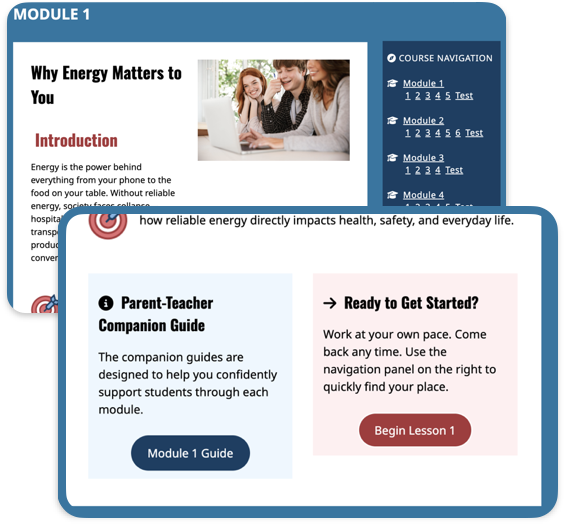
- Start with Module 1 — read over the intro and then begin Lesson 1.
Note ..
- Each module also has a Parent-Teacher companion guide.
- At the end of each lesson and module are links to the next part.
- You can also go directly to any module or lesson using the Course Navigation menu (either to the right on or at the bottom depending on your screen size).
Step 7
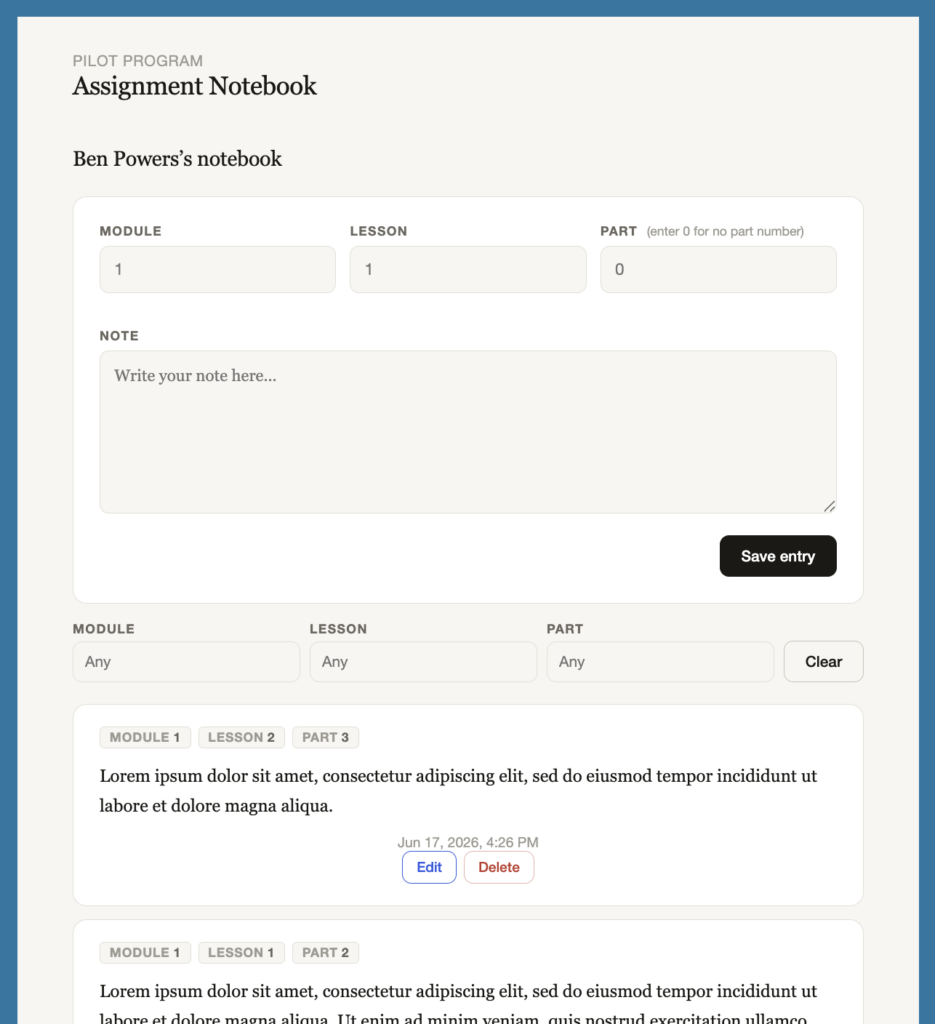
- Whenever a lesson requires you to write something, use the Notebook to record your assignment.
- First enter the Module, Lesson and Part numbers.
- Then type your assignment in the “Note” field.
- When you’re done hit “Save Entry.”
Note …
- Your completed assignments appear at the bottom of your notebook.
- You can delete or edit a previous entry.
- You can use the Module, Lesson and Part filters to find particular entries.